-
Продаю Orange5 оригинал
- Продаю Orange5 оригинал
- Продам программатор одометров AMprog USB BABY
- cas3\9s12x china rosfar3000
привет не поделищься дровами?? уже 2 день не могу запустить шарманку- Продам программатор одометров AMprog USB BABY
- куплю оранж 5 оригинал
- Продам Launch easydiag 3.0
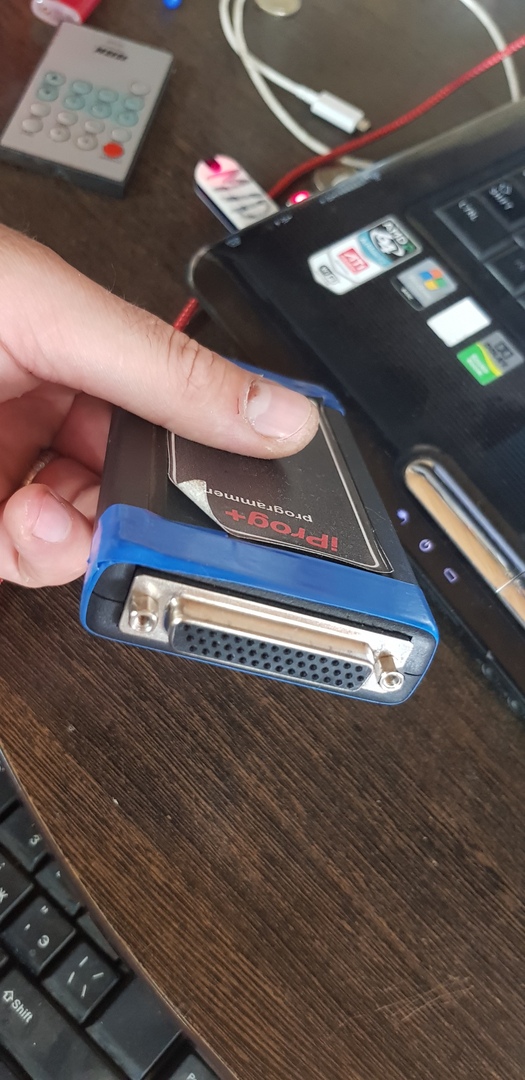
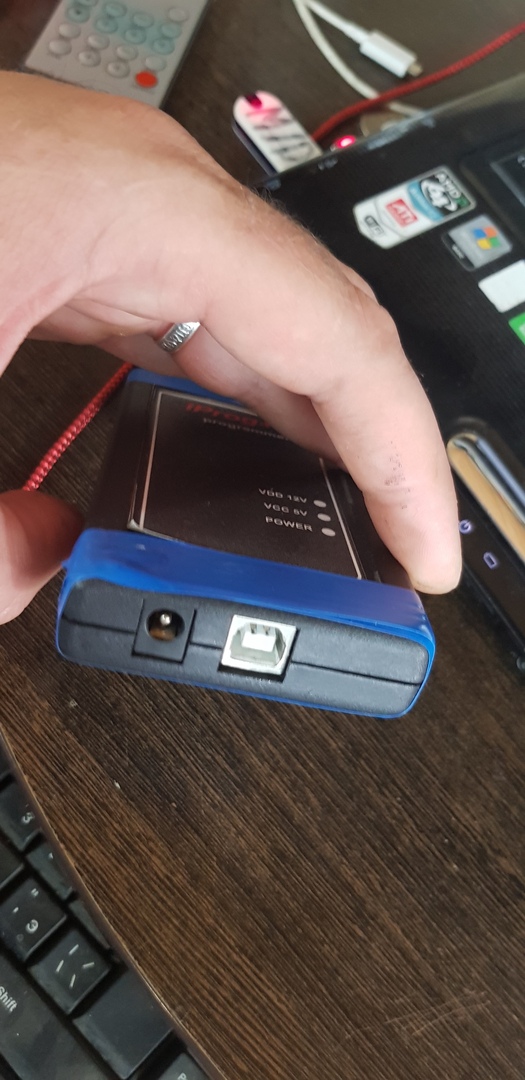
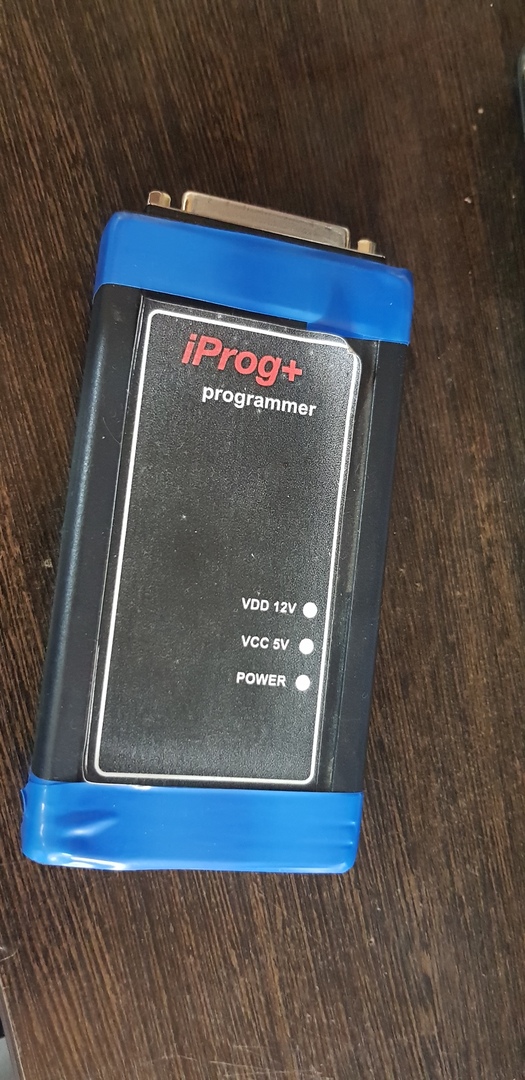
без планшета за сколько отдадите ? и обновы какого года?- Продам IPROG+
- Продам IPROG+
- Продам IPROG+
- Продам Enigmatool Full
обновить по сегодняшний день сколько стоят?- Продам Enigmatool Full
обновы какого года?- Vw Touareg 2013г поднять приборку
- Vw Touareg 2013г поднять приборку
Account
Navigation
Поиск
Настройте push-уведомления браузера
Chrome (Android)
- Tap the lock icon next to the address bar.
- Tap Permissions → Notifications.
- Adjust your preference.
Chrome (Desktop)
- Click the padlock icon in the address bar.
- Select Site settings.
- Find Notifications and adjust your preference.
Safari (iOS 16.4+)
- Ensure the site is installed via Add to Home Screen.
- Open Settings App → Notifications.
- Find your app name and adjust your preference.
Safari (macOS)
- Go to Safari → Preferences.
- Click the Websites tab.
- Select Notifications in the sidebar.
- Find this website and adjust your preference.
Edge (Android)
- Tap the lock icon next to the address bar.
- Tap Permissions.
- Find Notifications and adjust your preference.
Edge (Desktop)
- Click the padlock icon in the address bar.
- Click Permissions for this site.
- Find Notifications and adjust your preference.
Firefox (Android)
- Go to Settings → Site permissions.
- Tap Notifications.
- Find this site in the list and adjust your preference.
Firefox (Desktop)
- Open Firefox Settings.
- Search for Notifications.
- Find this site in the list and adjust your preference.