Лидеры
(1).thumb.jpg.c4d14ca4d11fe385e351771d6fce338d.jpg)
Популярный контент
Показан контент с высокой репутацией 29.12.2024 во всех областях
-
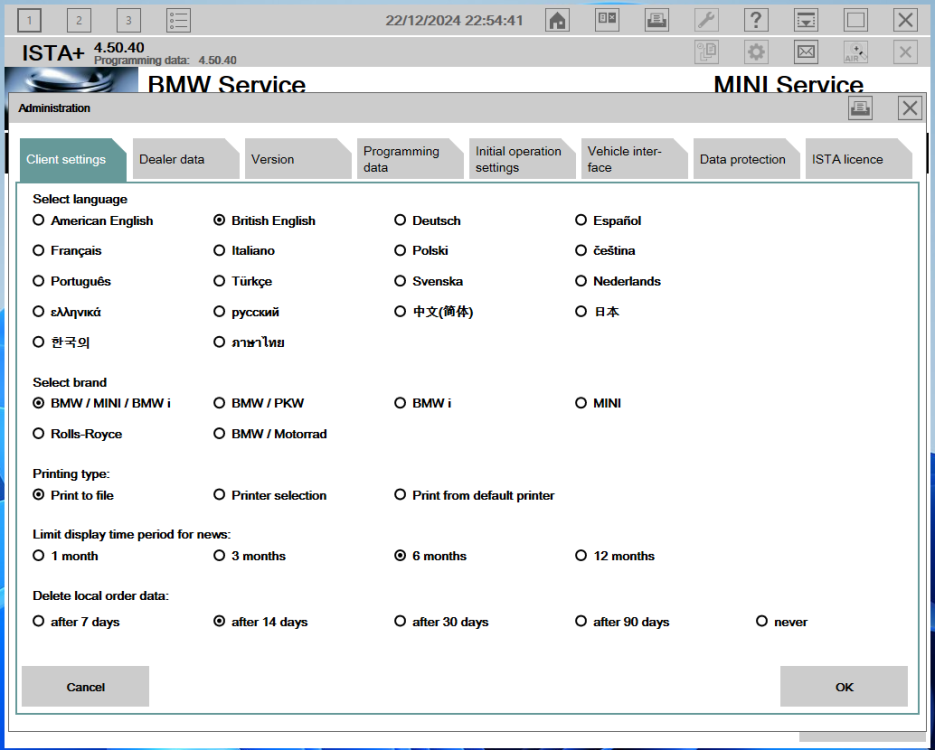
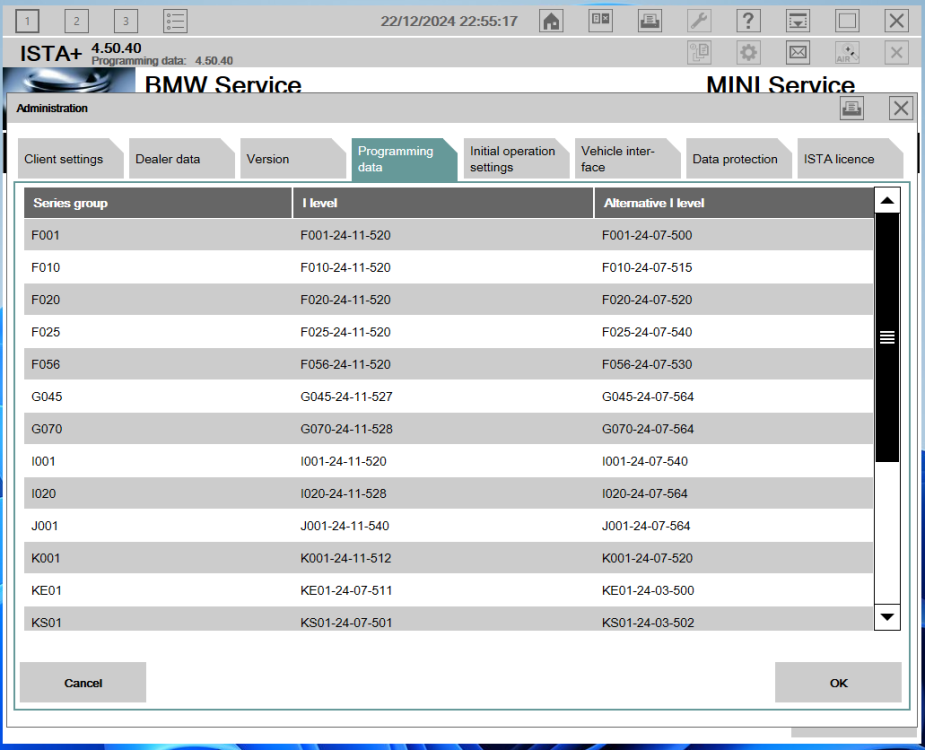
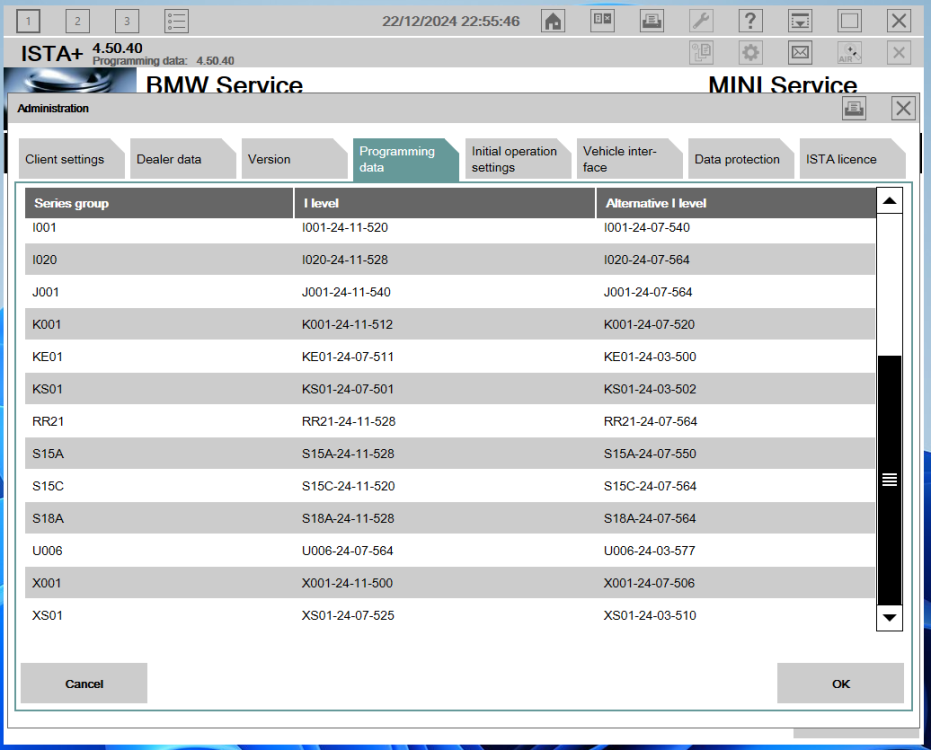
Diagnostics & Programming Solution for BMW BMW ISTA+ 4.50.40 ISTA-P 3.73.0.100 Key Features: (Ключевые особенности:) Official version – no patches or hacks (Официальная версия – без патчей и взломов) License registered in your name or organization (Лицензия зарегистрирована на ваше имя или организацию) Regular updates to new versions (Регулярные обновления до новых версий) Additional language packages available upon request (Дополнительные языковые пакеты доступны по запросу) Remote installation (Удалённая установка) For more information and license registration, please contact me on Telegram: invicium Для получения дополнительной информации и регистрации лицензии свяжитесь со мной в Телеграм: invicium ATTENTION! INSTALLATION REQUIRES A VALID LICENSE! ВНИМАНИЕ! ДЛЯ УСТАНОВКИ ТРЕБУЕТСЯ ДЕЙСТВИТЕЛЬНАЯ ЛИЦЕНЗИЯ! DOWNLOAD: MEGA | Google Drive For more information and the possibility of obtaining the BMW ISPI ISTA iLean Offline LICENSE, feel free to contact me directly on Telegram: invicium Для получения дополнительной информации и возможности приобретения оффлайн-лицензии BMW ISPI ISTA iLean, свяжитесь со мной напрямую в Telegram: invicium

 1 балл


