-
Прошивка vw caddy 3 original
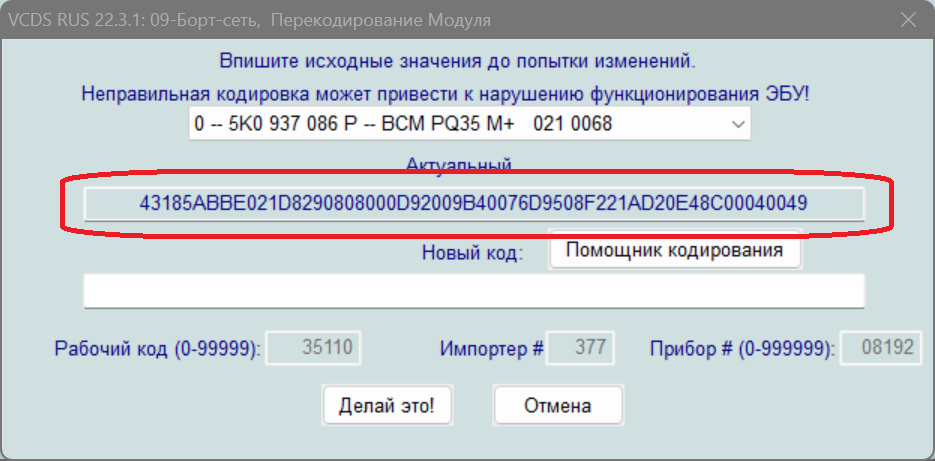
Дело в том что шаловливые рученьки залезли в 18 байт а сохранения нигде не было сделано и теперь света музыка всегда рядом. БУДУ БЛАГОДАРЕН.
-
Прошивка vw caddy 3 original
-
Прошивка vw caddy 3 original
Огромное человеческое СПАСИБО .
-
более 600 оригинальных прошивок иномарок
- Прошивка vw caddy 3 original
Я предполагаю что нужна какая то еще инфа про блоки,я новичок в этом деле- Прошивка vw caddy 3 original
Прошу оригинальную прошивку vw caddy 3 2013 год четырех приводная maxi- ODIS 24/ ODIS 18
Спасибо, как раз собирался приобрести odis- Прошивка vw caddy 3 original
Прошивка vw caddy 3 original очень нуна.
maestro777
Участник
-
Зарегистрирован
-
Посещение
Account
Navigation
Поиск
Настройте push-уведомления браузера
Chrome (Android)
- Tap the lock icon next to the address bar.
- Tap Permissions → Notifications.
- Adjust your preference.
Chrome (Desktop)
- Click the padlock icon in the address bar.
- Select Site settings.
- Find Notifications and adjust your preference.
Safari (iOS 16.4+)
- Ensure the site is installed via Add to Home Screen.
- Open Settings App → Notifications.
- Find your app name and adjust your preference.
Safari (macOS)
- Go to Safari → Preferences.
- Click the Websites tab.
- Select Notifications in the sidebar.
- Find this website and adjust your preference.
Edge (Android)
- Tap the lock icon next to the address bar.
- Tap Permissions.
- Find Notifications and adjust your preference.
Edge (Desktop)
- Click the padlock icon in the address bar.
- Click Permissions for this site.
- Find Notifications and adjust your preference.
Firefox (Android)
- Go to Settings → Site permissions.
- Tap Notifications.
- Find this site in the list and adjust your preference.
Firefox (Desktop)
- Open Firefox Settings.
- Search for Notifications.
- Find this site in the list and adjust your preference.